Formatting Numbers with the PUT Function in SAS
📌 Introduction
In SAS programming, presenting data in a readable and meaningful way is essential—especially in reports and dashboards. That’s where the PUT function becomes a powerful tool. This function allows you to convert numeric or date values into formatted character strings, making your output more user-friendly.
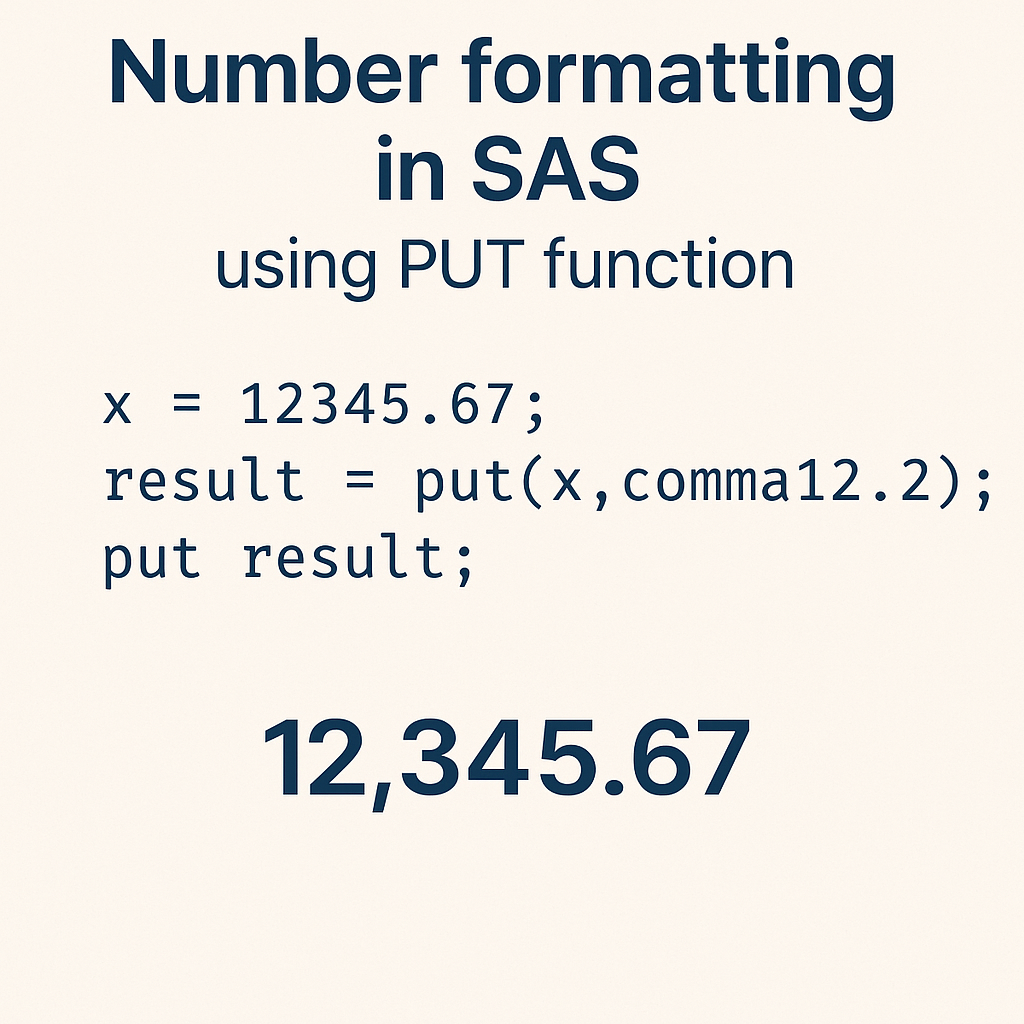
In this blog, you’ll learn:
- What the
PUTfunction does - Syntax and usage
- Examples using numeric, date, and categorical formats
- Real-world applications
- Tips & best practices
🧠 What is the PUT Function in SAS?
The PUT function in SAS is used to:
- Convert numeric or date values to character values
- Apply a specific format such as currency, date, percent, or custom user-defined formats
🧾 Syntax
- source: The variable or value you want to format
- format: A SAS format (e.g.,
dollar8.2,date9.,percent6.2, etc.)
🔍 Common Use Cases of PUT Function
✅ 1. Format Numeric to Currency
✅ 2. Convert Date to Readable Format
✅ 3. Convert Numeric Code to Label using Format
Assume we have a user-defined format for regions:
🧪 Real-Life Example: Sales Report Formatting
Suppose you're generating a report with sales data:
📌 Output:
formatted_amt = $24,999.50- formatted_date = February 15, 2024
💡 Best Practices
- Always ensure the width in the format is large enough for your values, or it may display
*****. - Use
PUTonly to convert to character values. For character to numeric, useINPUT. - Pair
PUTwith user-defined formats for readable labels in reports and visualizations.
❗ Common Mistakes to Avoid
| Mistake | Why It's a Problem |
|---|---|
Using PUT on a character value | Won’t change the format — use INPUT to convert first |
| Not specifying enough width | Results in truncated or ***** output |
Forgetting to end format with a dot (.) | Syntax error in SAS |
🏁 Conclusion
The PUT function is a fundamental tool in SAS for formatting your output—whether it's turning raw numbers into currency, making dates human-readable, or converting codes into labels.
By mastering this function, you’ll significantly improve the clarity and professionalism of your SAS reports.
Labels: Base SAS, convert date in SAS, convert numeric to character SAS, format numeric values in SAS, Functions in SAS, SAS, SAS dollar format, SAS formatting example, sas functions, SAS PUT function, SAS user-defined format
posted by Datahark @ July 05, 2025
0 Comments


